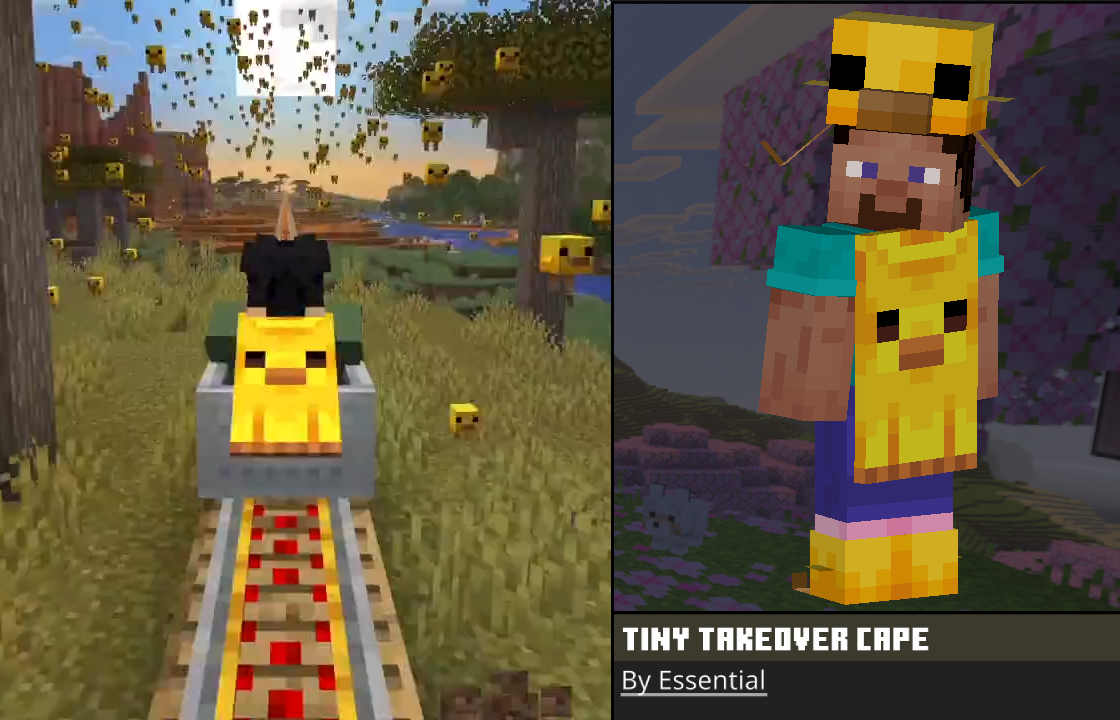
The Tiny Takeover cape is available on both Bedrock and Java Edition — and getting it takes under two minutes
on either version. Bedrock players can equip it instantly through Bedrock Cosmos. Java players unlock it by
hosting a world with a friend using Essential Mod.
The Tiny Takeover cape — available on Minecraft Bedrock Edition via Bedrock Cosmos and on Java Edition via
Essential Mod.
What is the Tiny Takeover Cape?
The Tiny Takeover cape is one of the more distinctive cosmetics available in Minecraft right now. It is part
of a limited collection and is accessible to players on both Bedrock and Java Edition — just through
different methods. Whether you are on Bedrock using Bedrock Cosmos or on Java with Essential Mod, the
process is straightforward and free.
Bedrock Edition — Get It via Bedrock Cosmos
Minecraft Bedrock Edition
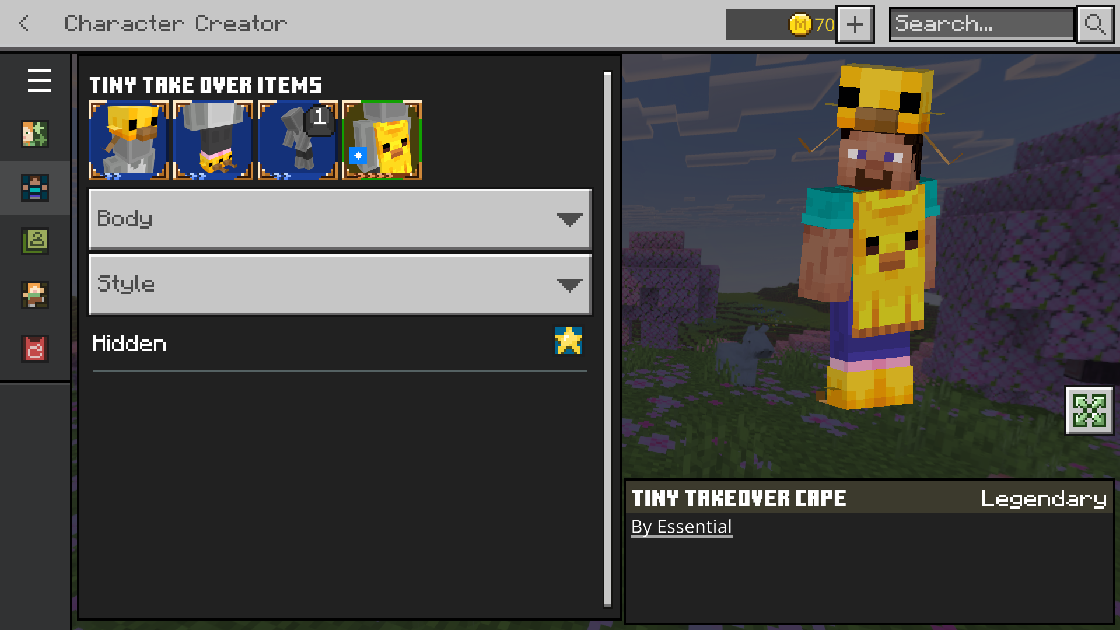
Bedrock players can equip the Tiny Takeover cape in just a couple of clicks through Bedrock Cosmos. You do
not need to change any game settings or restart your client. Once you click equip, it lands straight in your
inventory.
The Tiny Takeover cape as it appears in Minecraft Bedrock Edition through Bedrock Cosmos.
1
Install Bedrock Cosmos: You need the Bedrock Cosmos launcher to equip custom capes on
Bedrock. If you don't have it yet, grab it from bedrock-cosmos.app.
You're done! The Tiny Takeover cape will appear in your inventory and be equipped to
your character. That's all there is to it.
Java Edition — Unlock It via Essential Mod
Minecraft Java Edition
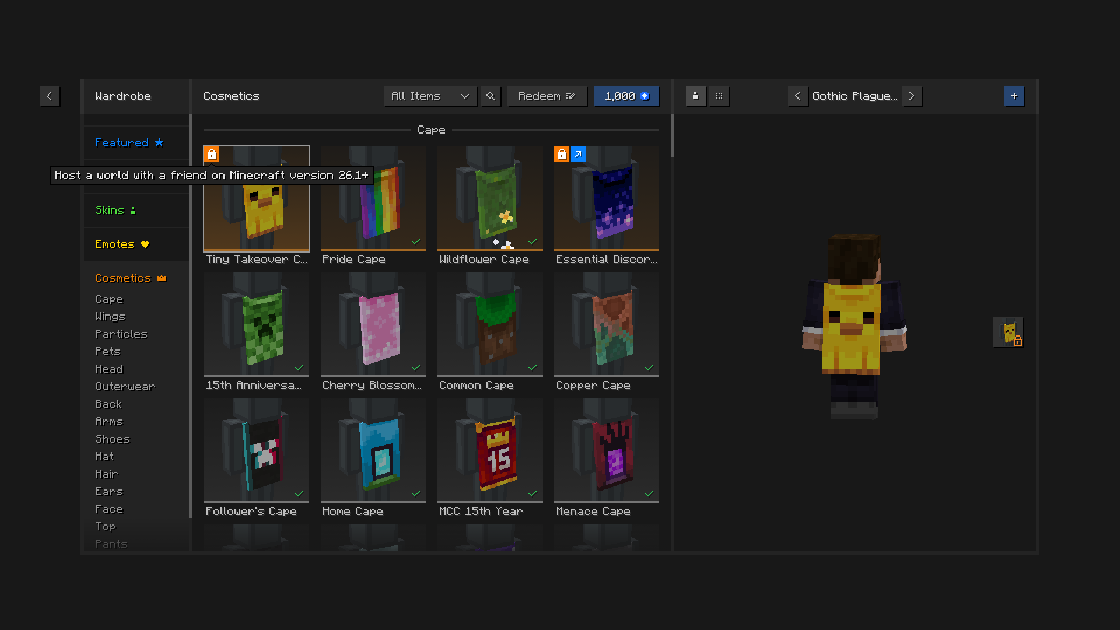
Java Edition players unlock the Tiny Takeover cape by hosting a Minecraft world with a friend. You need the
Essential Mod installed and both players must be on version 26.1 or higher. Once the conditions are met, the
cape unlocks automatically in your cosmetics.
The Tiny Takeover cape as it appears in Minecraft Java Edition via the Essential Mod cosmetics menu.
1
Install Essential Mod: Download and install Essential Mod from
essential.gg. It is free and
installs like any standard Minecraft mod.
2
Update to version 26.1+: Make sure you and your friend are both running Minecraft Java
Edition version 26.1 or newer. Older versions will not trigger the unlock.
3
Host a world with a friend: Create a world and have a friend join you on version 26.1+.
The Tiny Takeover cape unlocks automatically once the session is active.
4
Equip it: Open your Cosmetics menu, navigate to
Capes, and select the Tiny Takeover cape to equip it.
Whether you are on Bedrock or Java, the Tiny Takeover cape is one of the easiest cosmetics to get right now.
Bedrock players can have it equipped in under a minute through Bedrock Cosmos, while Java players just need
to host a quick session with a friend using Essential Mod.