
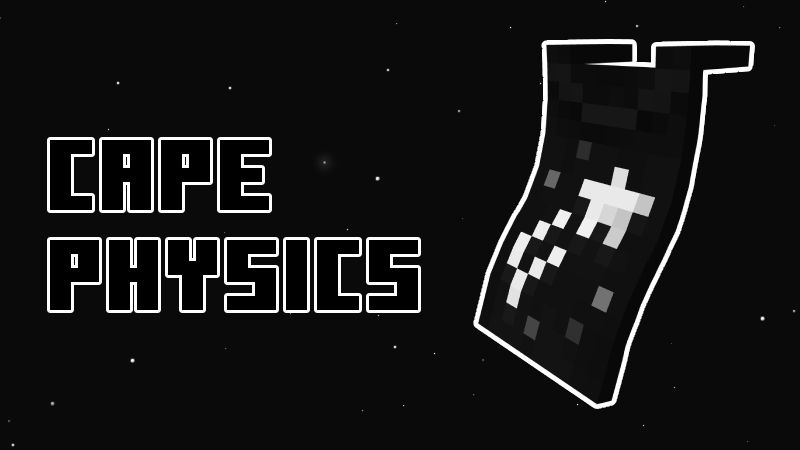
The Evolution of Minecraft Capes
Capes have been a staple of Minecraft since the early days of Minecon 2011. For years, they were rare badges of honor, but as cosmetic support expanded across both Java and Bedrock editions, they became accessible to everyone.
However, Bedrock players faced a persistent issue. No matter how cool your cape looked, it always hung in a rigid, lifeless sheet behind your character. When the Java community saw the "Dynamic Curved" feature arrive on clients like Badlion, the community demand for a Bedrock alternative skyrocketed. This Cape Physics resource pack is our answer. It is built from the ground up for Bedrock, offering the same level of polish you would expect from high-end Java clients.
What Exactly is the Cape Physics Add-on?
This resource pack changes the way the game engine handles cape textures. Instead of a single static plane, the system uses 17 independent segments, each with its own physics bone. As your character moves, the cape reacts dynamically to the movement and "wind." Whether you are walking, sprinting, or flying, the cape follows your momentum, creating a realistic, flowing effect.

Enhance Your Look with Optional Shoulder Pieces
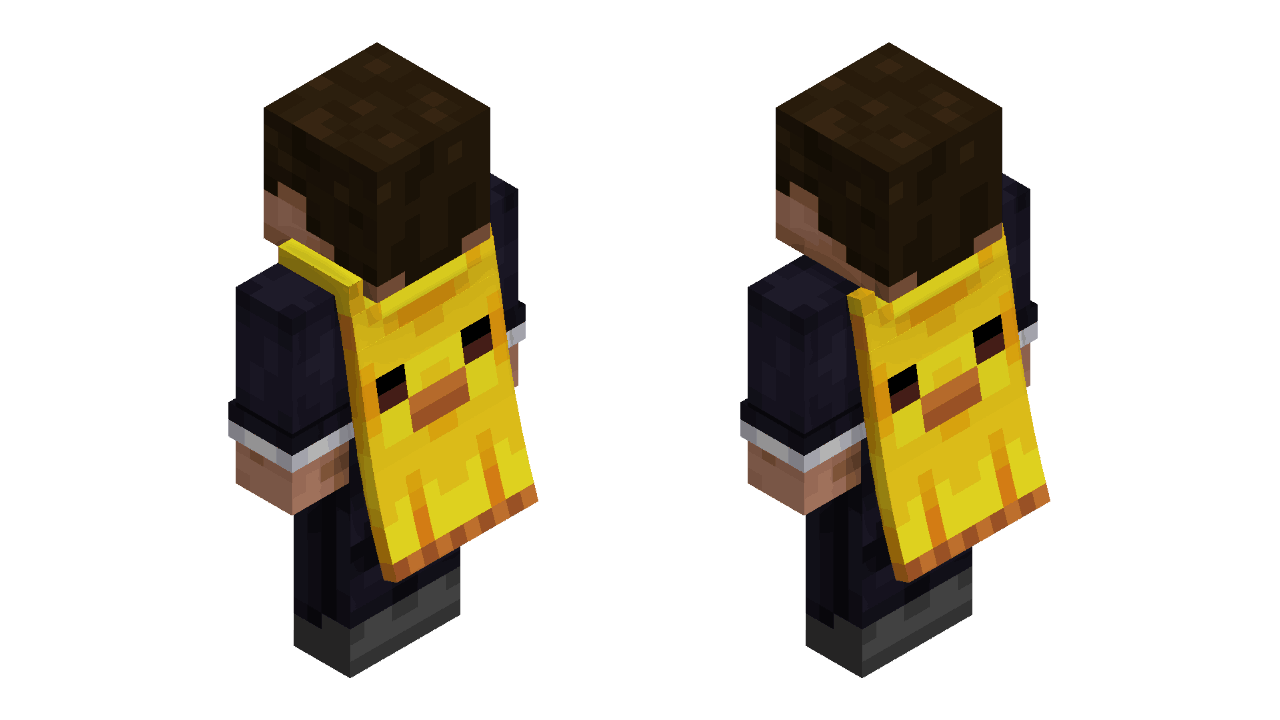
We know that style is subjective. That is why we included an optional shoulder piece system. Inspired by high-quality armor aesthetic mods, these decorative pauldrons appear on your shoulders to frame the cape. It gives your character a more formidable, finished look. You can toggle these on or off in the pack settings, so you are free to choose between a clean look or a fully armored appearance.
Does This Work on Servers and Realms?
One of the most common questions we get is whether this pack will break on multiplayer servers. We built this with compatibility in mind. The Cape Physics resource pack works on local worlds, Minecraft Realms, and standard multiplayer servers.
Because this is a client-side resource pack, the physics simulation will appear for any player who has the pack enabled. It is a fantastic way to make your character stand out in a crowd.
Step-by-Step: How to Get Cape Physics in Minecraft Bedrock
Getting set up takes less than five minutes. Ensure your game is updated to Minecraft Bedrock Edition 26.10 or higher before you begin to avoid compatibility issues.
Troubleshooting: Common Issues
If you are having trouble getting the physics to load, check these common fixes:
- Ensure the pack is at the top of the stack: Sometimes other resource packs override the animation settings. Move the Cape Physics pack to the top of your active list.
- Check your version: This pack specifically requires version 26.10 or newer. Older versions of the game will not support the new bone animation system.
- Restart the client: If the cape is still stiff after enabling the pack, close the game completely and restart it to clear the cache.
Cape Physics is a game-changer for Bedrock customization. Once you see your cape flowing in the wind while sprinting, you will never want to go back to the default style. Download the pack through Bedrock Cosmos today and bring your character to life.