
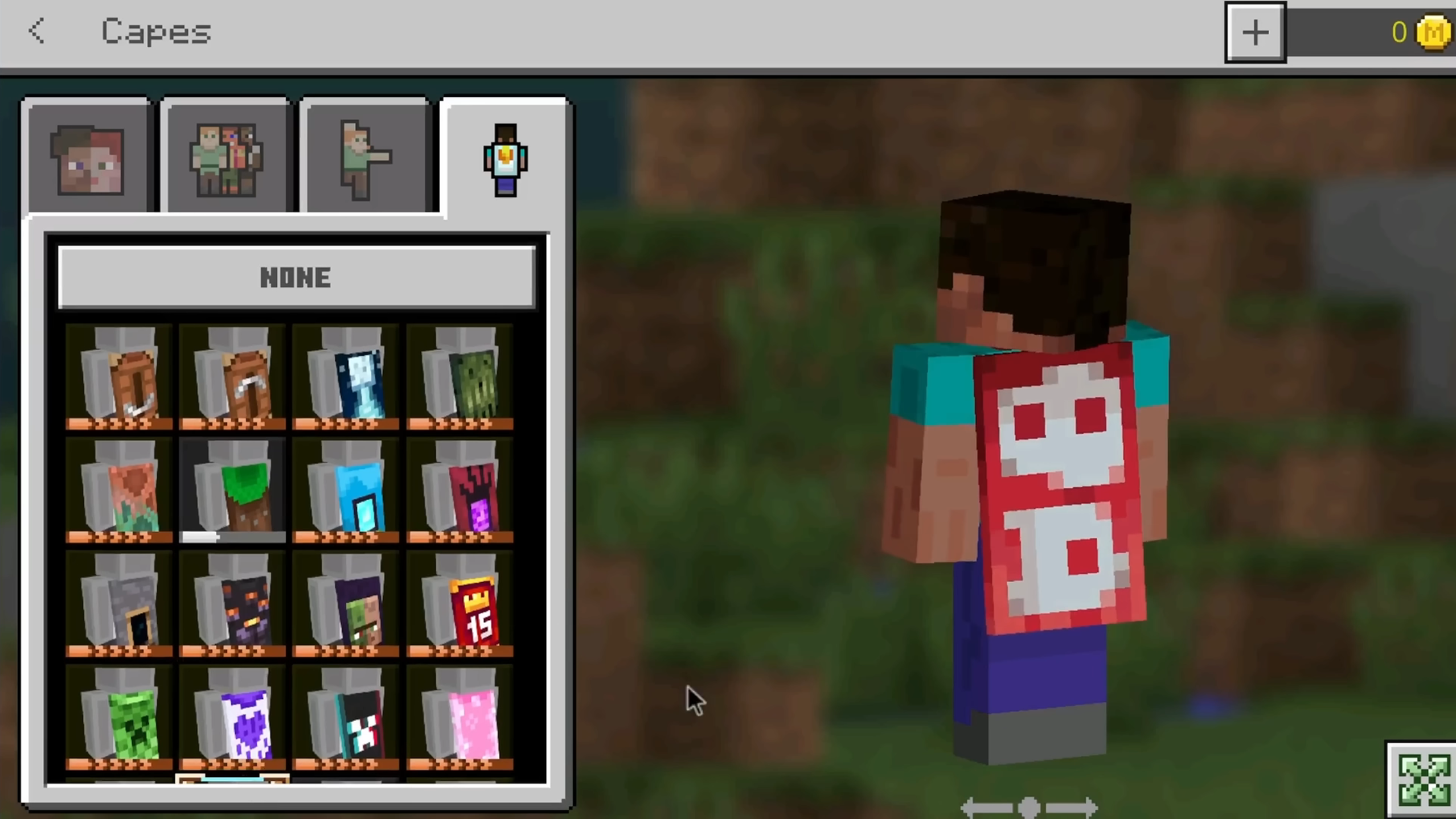
The Glitch That Unlocks Every Cape
Capes in Minecraft are normally tied to specific promotions, events, or gatherings that allow you to unlock them for a limited time. However, a bug in the game's marketplace API has given players a way around that entirely. By downgrading their game to an older version on PC, players are able to open up the full cape library and equip anything in the list, whether or not they were ever meant to have it.
The Downgrade Method - Version 1.16.0
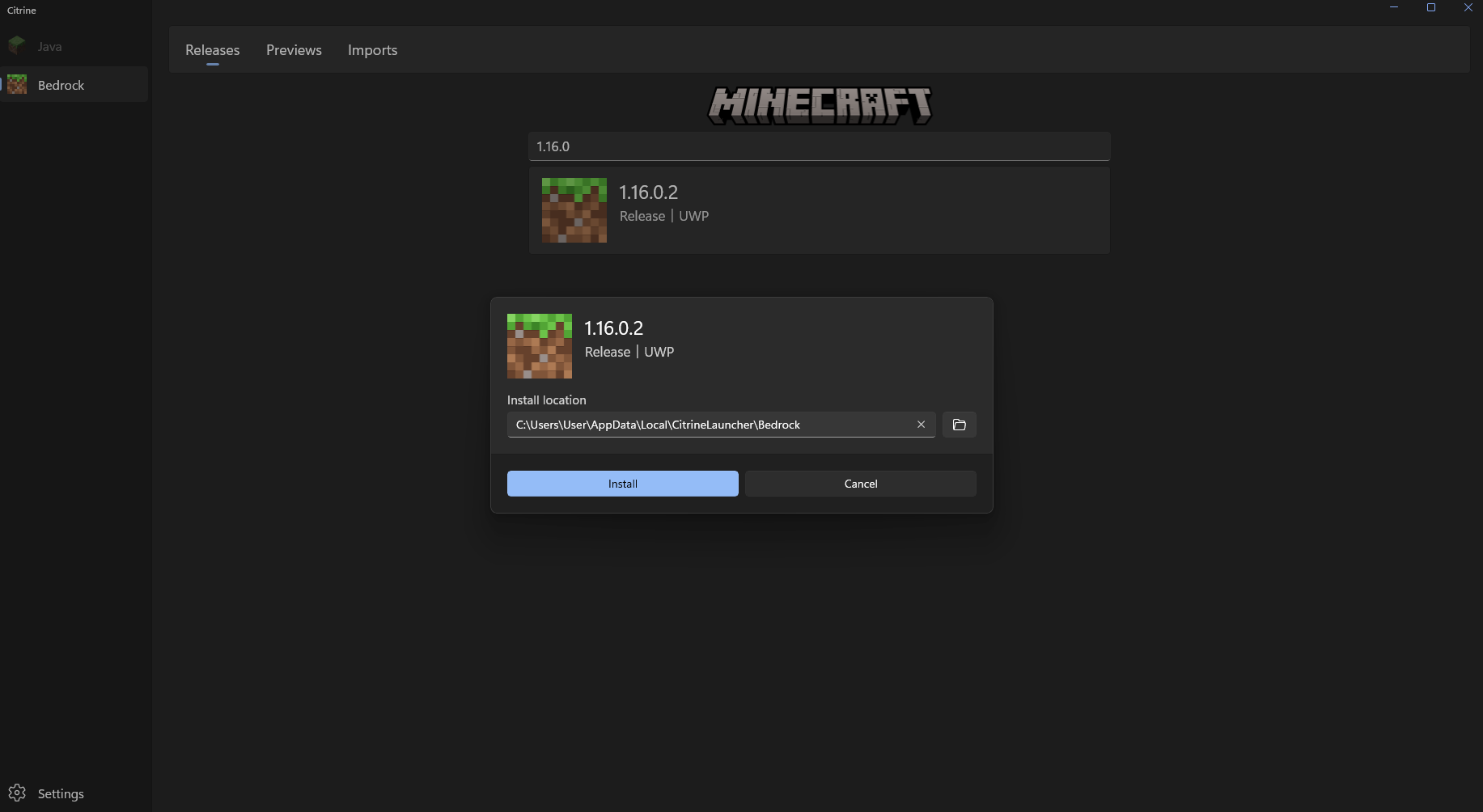
The method centers on Minecraft Bedrock Edition version 1.16.0. On PC, players are rolling their game back to this specific version using third-party launchers. Once running on 1.16.0, the cape selection screen doesn't correctly check which capes a player is actually entitled to - so every cape in the list, including ones added in versions released years after 1.16.0, is visible and able to be selected.
How the Glitch Gained Attention
The bug started gaining real traction after Minecraft YouTuber ItsMe James posted a video breaking down the exploit and how to reproduce it. Posted on June 29, 2026, the video has since passed 50,000 views, introducing a much wider audience to the method.
A month later, on July 29, 2026, another large Bedrock-focused content creator ibxtoycat covered the same glitch in his own follow-up video, pushing the glitch further into the mainstream Bedrock community. Both videos are worth watching directly if you want the full breakdown of the mechanics behind the bug.
One of the most interesting side effects of the glitch is that it exposes the Mojang Studios Cape - a cape that's normally reserved exclusively for Mojang employees and has never been obtainable by regular players through any legitimate method. Because the 1.16.0 API displays every cape in the game when prompted, it shows up in the list right alongside promotional and limited-time capes.
This Bug Isn't New - It's Been There Since 2020
What most players don't realize is that this isn't a new exploit at all. Version 1.16.0 originally released back in June 2020, and the API behind its cape system has never been patched or updated since. In other words, this bug has technically been sitting there, fully functional, for years - it simply took until mid-2026 for it to be present to a larger audience. If you were on 1.16.0 at any point in the last several years, all of the capes were already available to you!
No Downgrade? Use Bedrock Cosmos Instead
Downgrading your game version isn't for everyone. The good news is you don't have to: Bedrock Cosmos displays every default cape in the game, along with a large library of custom capes, and lets you equip them directly without touching your Minecraft version at all!
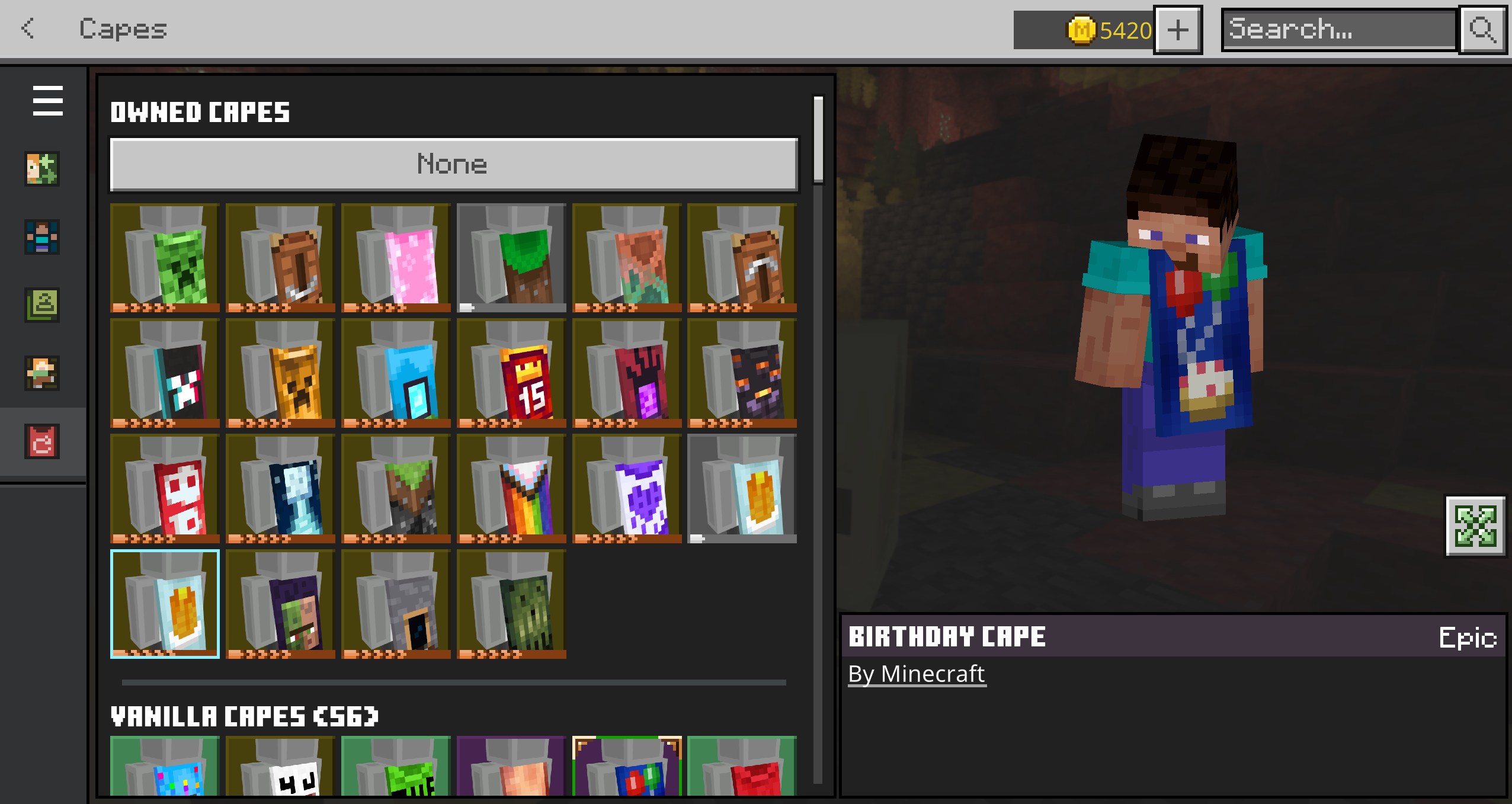
Through downgrading to reproduce the original 1.16.0 bug or using Bedrock Cosmos, getting a cape you'd never normally have access to has never been easier on Bedrock Edition.